
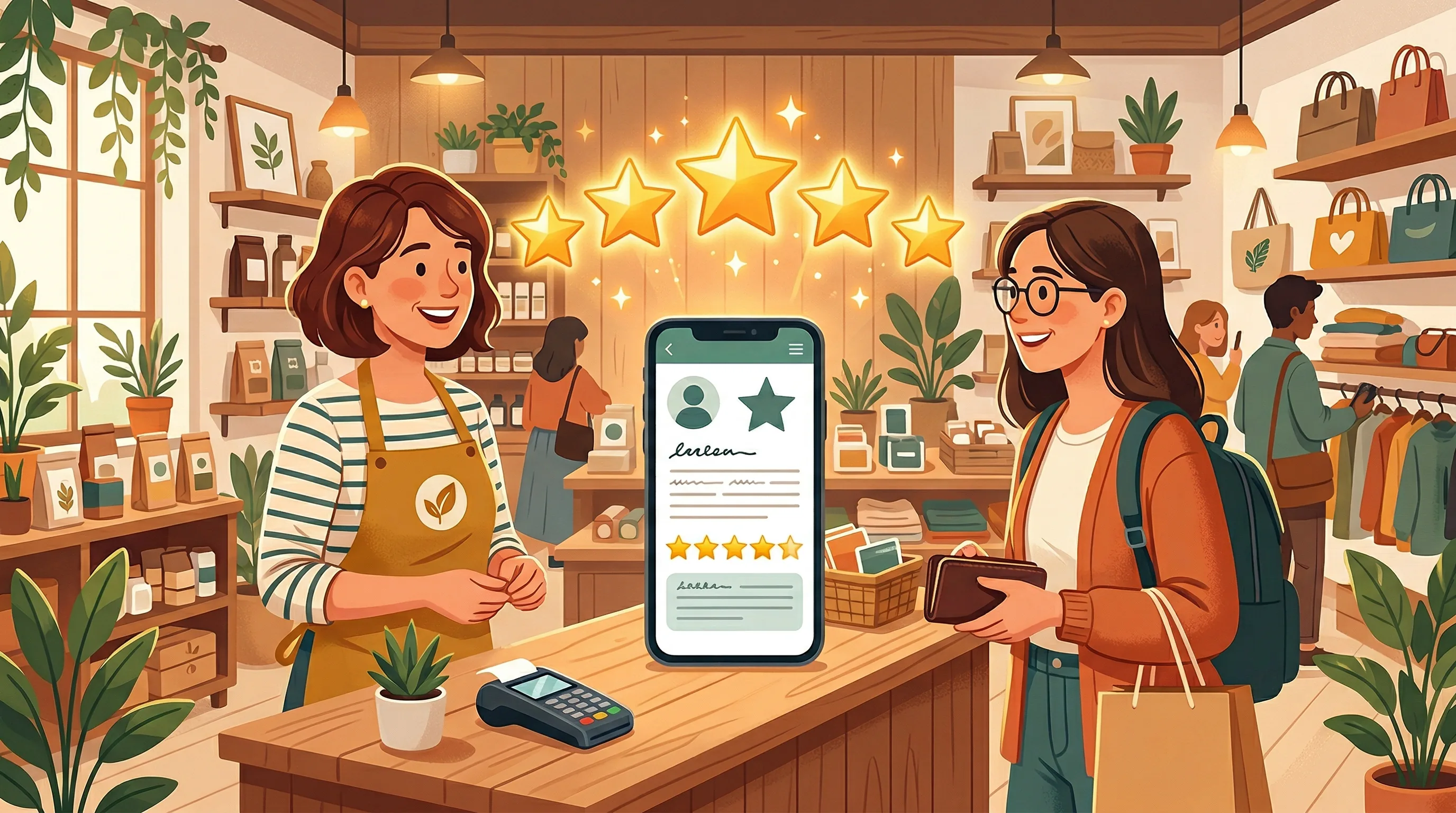
If you run a business in Markham, your Google reviews are one of the most powerful tools you have for attracting new customers. When someone searches for "dentist near me" or "best bubble tea in Markham," Google does not just show a list of names. It shows star ratings, review counts, and snippets of what real customers have said. A business with 120 reviews and a 4.7-star average will almost always win the click over a competitor with 8 reviews and no recent activity.
The challenge for most Markham business owners is not that their customers are unhappy. It is that satisfied customers rarely leave reviews on their own. People who had a great experience walk out the door thinking positive thoughts, but the act of opening Google, finding the business, and writing a review simply does not occur to them. The businesses that accumulate strong review profiles are the ones that have built a system for asking consistently and making it easy.
This guide covers practical, proven strategies that any Markham business, whether you are a restaurant on Highway 7, a dental clinic in Milliken, or a tutoring centre in Unionville, can implement immediately to start building a stronger review profile.
Why Google Reviews Matter More Than Ever
Before diving into tactics, it is worth understanding what reviews actually do for your business. First, they directly influence your ranking in local search results. Google has confirmed that review quantity, frequency, and quality are factors in local search ranking. A business that receives a steady stream of reviews signals to Google that it is active, relevant, and trusted by the community.
Second, reviews influence purchasing decisions. Research consistently shows that 88 percent of consumers trust online reviews as much as personal recommendations, and the vast majority will not consider a business with fewer than four stars. In a competitive market like Markham, where there may be a dozen businesses offering the same service within a few kilometres, your review profile is often the deciding factor.
Third, reviews provide free content that helps your business appear for a wider range of search terms. When a customer writes "great dim sum and friendly service," those words become searchable content associated with your business listing. Over time, hundreds of reviews create a rich keyword profile that helps you show up in searches you might never have targeted directly.
Step 1: Set Up and Optimize Your Google Business Profile
Before asking for reviews, make sure your Google Business Profile is complete and accurate. This is the foundation. Verify your business if you have not already, and ensure the following are current:
- Business name, address, and phone number (consistent with your website and other listings)
- Business hours, including holiday hours
- Business category and attributes (e.g., wheelchair accessible, free parking, delivery available)
- A detailed business description that includes what you offer and your location
- High-quality photos of your storefront, interior, products, and team
- Your website URL and appointment or ordering links if applicable
A complete profile not only ranks better but also looks more professional and trustworthy when potential customers see it. If your profile photo is a blurry image from five years ago, even a strong review count may not convert the viewer into a customer.
Step 2: Get Your Direct Review Link
Google provides a direct link that takes customers straight to the review form for your business. This eliminates the friction of having to search for you on Google Maps. Here is how to get it:
- Log into your Google Business Profile at business.google.com
- Click on the "Read reviews" or "Reviews" section
- Look for the "Get more reviews" button or share link
- Copy the short URL provided
Save this link. You will use it everywhere: in emails, text messages, on printed cards, and on your website. The easier you make it for a customer to leave a review, the more reviews you will receive.
Step 3: Ask at the Right Moment
Timing is everything. The best time to ask for a review is immediately after a positive interaction, when the customer's satisfaction is highest. Here are the optimal moments for different types of Markham businesses:
- Restaurants and cafes: When clearing the table after a meal where the customer complimented the food, or when they thank you at the register
- Dental and medical clinics: At checkout after a successful appointment, when the patient expresses relief or gratitude
- Salons and spas: When the client is admiring their results in the mirror
- Professional services (accountants, lawyers, consultants): After delivering a positive outcome, such as completing a tax return, closing a deal, or resolving a case
- Retail stores: After helping a customer find exactly what they were looking for
- Tutoring and education: When a parent reports their child's improved grades or test results
The ask itself should be simple and direct: "We are glad you had a great experience. Would you mind leaving us a quick Google review? It really helps us reach more people in the community." Most people will say yes when asked personally and at the right moment.
Step 4: Use QR Codes and Physical Reminders
For businesses with a physical location, printed QR codes are one of the most effective review-generation tools available. Create a QR code that links to your Google review URL and display it prominently:
- On the front counter or checkout area
- On table tents in restaurants
- In treatment rooms at clinics
- On business cards handed to customers after service
- On receipts or in product packaging
- On a small sign near the exit
Free QR code generators are available online. Print the code alongside a brief message such as "Enjoyed your visit? Scan to leave us a review." The visual reminder catches people at the moment they are thinking positively about your business.
Step 5: Follow Up by Email and Text
If you collect customer email addresses or phone numbers, a follow-up message within 24 hours of their visit is highly effective. Keep it short, warm, and include the direct review link. A simple template:
"Hi [Name], thank you for visiting [Business Name] today. We hope you had a great experience. If you have a moment, we would really appreciate a quick Google review -- it helps other Markham residents find us. [Link]"
Many point-of-sale and booking systems (Jane App, Square, Fresha, Mailchimp) can automate this follow-up, so reviews trickle in consistently without you having to remember to send each message manually.
Step 6: Respond to Every Review
This step is just as important as getting reviews. Responding to reviews, both positive and negative, shows that you value customer feedback and are actively engaged with your community. Research shows that 88 percent of consumers are more likely to use a business that responds to all of its reviews, compared to just 47 percent for businesses that do not respond at all.
For positive reviews, a brief, personalized thank-you is sufficient. Avoid generic copy-paste responses. Mention something specific from their review to show you actually read it.
For negative reviews, respond calmly, acknowledge the concern, apologize if appropriate, and offer to resolve the issue offline. Never argue publicly. A thoughtful response to a negative review can actually improve your reputation, because prospective customers see that you handle complaints professionally.
Step 7: Showcase Your Reviews
Do not let your reviews live only on Google. Share your best reviews across your marketing channels:
- Feature a "What our customers say" section on your website
- Share screenshots of great reviews on Instagram and Facebook
- Include review quotes in email newsletters
- Display a Google Reviews badge or widget on your homepage
When potential customers see social proof consistently across channels, it reinforces their confidence in choosing your business. It also subtly reminds existing customers that leaving reviews is a normal and appreciated behaviour.
Common Mistakes to Avoid
- Buying fake reviews. Google's algorithms are increasingly sophisticated at detecting fake reviews, and the penalties including profile suspension are severe. It is never worth the risk.
- Offering incentives for reviews. Google's terms of service prohibit offering discounts, gifts, or other incentives in exchange for reviews. You can ask for reviews, but you cannot pay for them.
- Only asking once. Building a review profile is an ongoing effort. The businesses with the most reviews are the ones that ask every satisfied customer, every time, as a standard part of their process.
- Ignoring negative reviews. An unaddressed complaint looks worse than the complaint itself. Always respond thoughtfully.
Start Building Your Review Profile Today
Google reviews are not a vanity metric. For Markham businesses competing in a dense, diverse market, they are a direct driver of visibility, credibility, and revenue. The strategies in this guide are not complicated, but they require consistency. Make asking for reviews a standard part of your customer interaction, make it easy with direct links and QR codes, follow up promptly, and respond to every review you receive.
The businesses in Markham that take their online reputation seriously are the ones that show up first in local searches, earn the trust of new customers, and grow steadily year over year. Your next five-star review is just an ask away.
List your business on MarkhamBusiness.com to increase your local visibility alongside your Google presence.
About the Author

Business Tips Editor
Priya Sharma is a Chartered Professional Accountant (CPA) with an MBA from the Schulich School of Business. She has spent over fifteen years advising small and medium-sized businesses across the GTA, with a particular focus on owner-operated firms in Markham and Richmond Hill. Priya runs a small consulting practice in Richmond Hill and writes about practical business management, tax planning, hiring, and growth strategies for local entrepreneurs.
View all posts by Priya →